Imagination, made tangible.

Place cameras, subjects and lights in 3D. AI suggests the layout — then check angles and refine positions before you ever step on set.


See it in action

Just type the scene.
Watch it build itself.

Describe the situation and the room, people, cameras and lights drop into a 3D space one by one.

Ready to generate a scene
Send a chat message and watch the 3D scene build itself
Scene generation Auto demo
 

How it works

A complete shoot plan
in three steps.

1
Describe the situation
Type something like "portrait, 2 subjects, natural light, café-style set" and AI proposes the room size, camera position, subject blocking and lighting in one pass.
2
Fine-tune in 3D
Refine camera angles, blocking and lighting in the 3D view. Compare framings across multiple cameras side by side.
3
Share and shoot
Send the URL to your crew and everyone sees the same 3D scene. Align before call time and the shoot day flows smoothly.

Examples

Real shoots,
moving in 3D.

Every scene below was built from a single chat prompt. Drag cameras, subjects and lights live; switch viewpoints in a tap to lock down your framing.

1 / 5

Object Generation

Missing the prop you need?
Just build it.

If it's not in the presets, describe it in chat. Specify shape, dimensions and material, then add only the gear your shoot actually needs. Your words become usable assets.

Try it

Features

Recreate the set,
on your screen.

A place for cinematographers, directors and solo creators to sanity-check the shoot before call time.
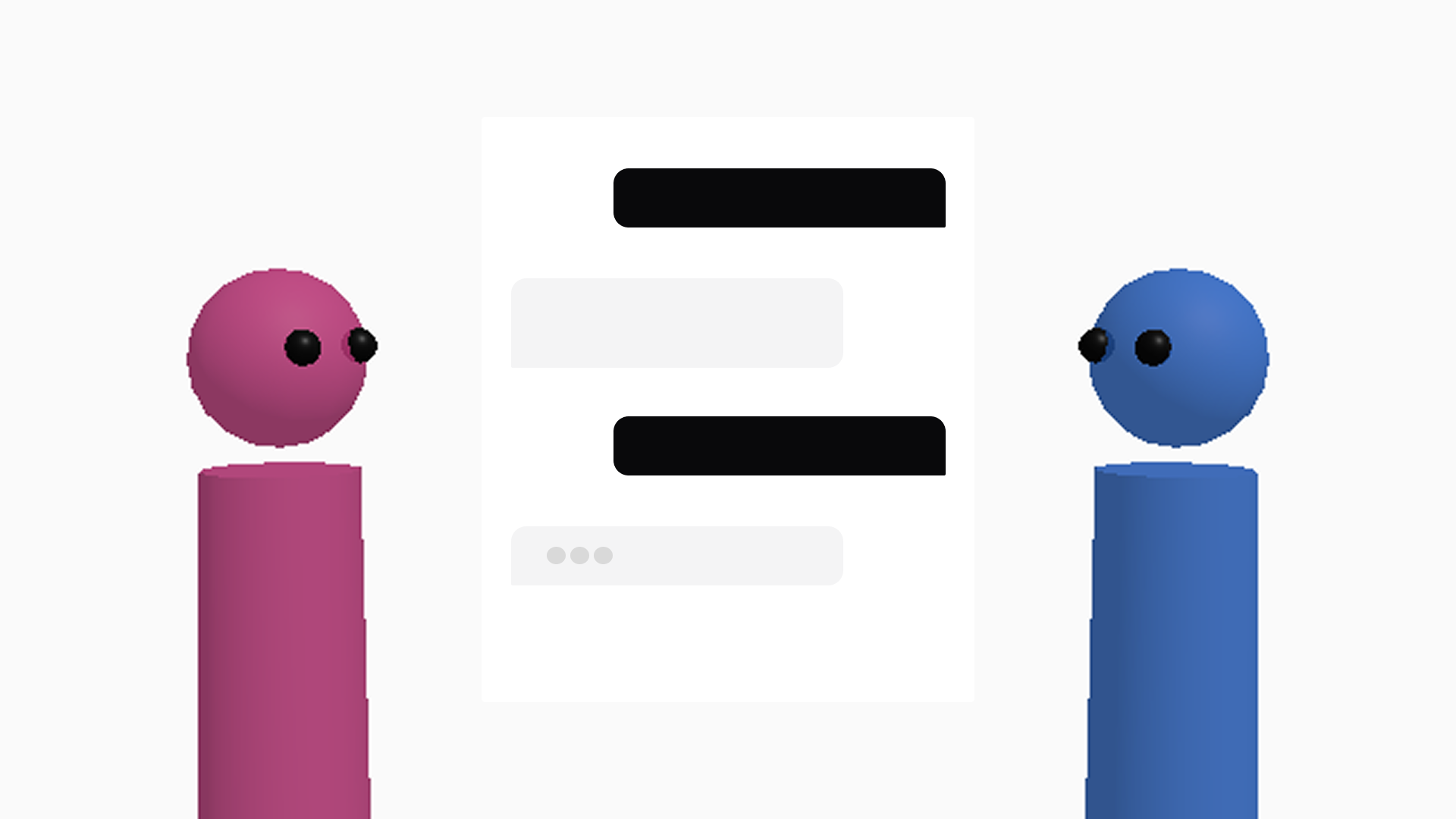
AI layout suggestions
Type the shooting situation into chat. The LLM proposes camera, subject and prop placements and drops them straight into the 3D scene.
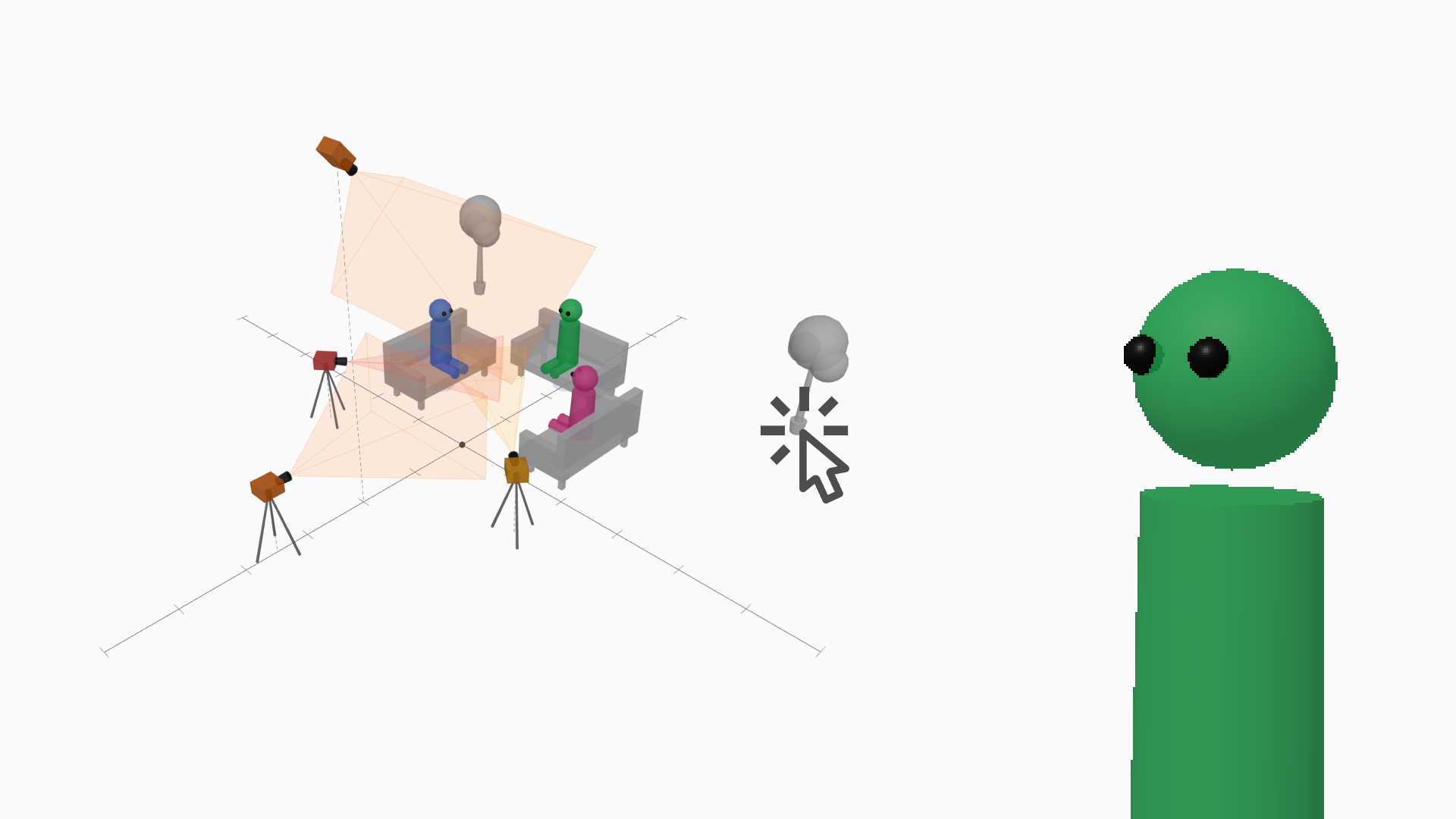
Intuitive 3D editing
Drag and drop cameras, subjects, lights and furniture in 3D. Compare framings from multiple cameras live as you adjust.
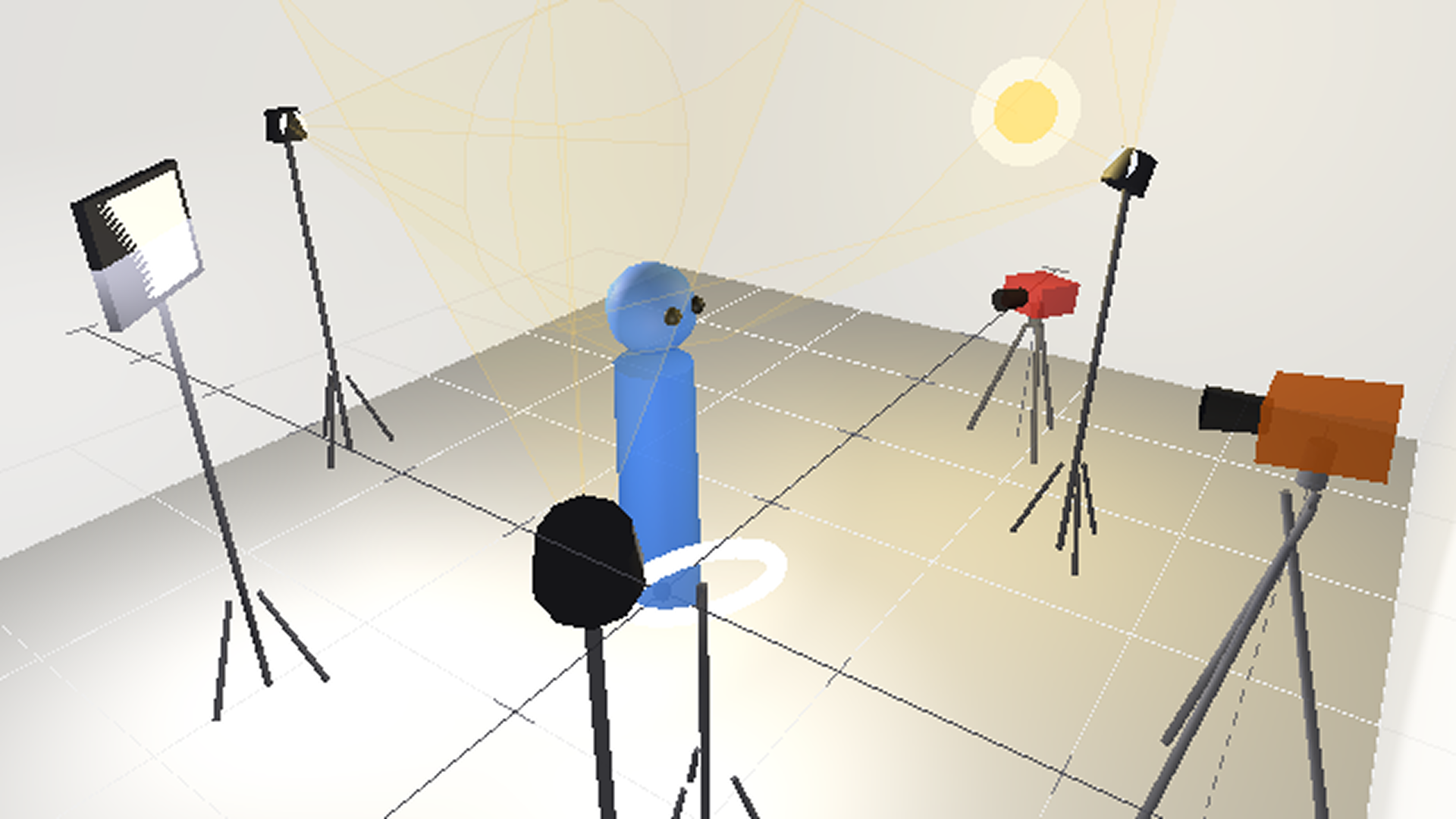
Lighting design
Lighting design
Place studio lights in 3D and see how they fall on your subject. Lock in your lighting plan before you set foot on set.
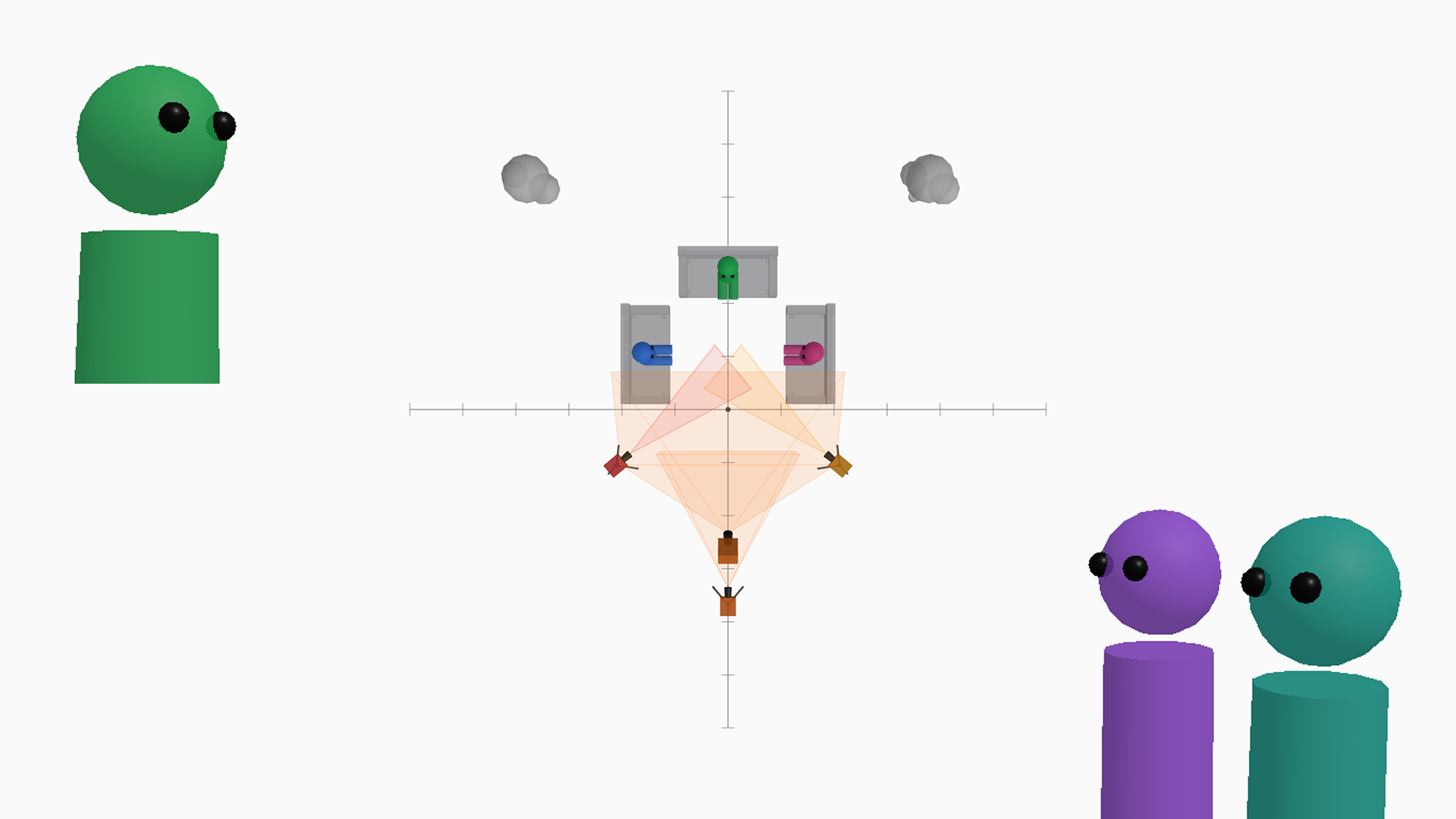
Sharing & community
Sharing & community
Share a scene with one URL. Publish projects to the gallery so other creators can fork them and adapt the setup to their own shoots.

Pricing

Free to start,
ready right away.

Free
$0
For personal use and trials
  • 3 projects
  • 10 AI generations / month
  • 3D view and camera preview
  • Read-only URL sharing
  • Browse, like and fork the gallery
Pro
$20
/ month · For serious shoot prep
  • Unlimited projects
  • 100 AI generations / month
  • 20 custom objects
  • Unlimited public projects
  • Everything in Free
In development
Team
$60
/ month · For production teams
  • Everything in Pro
  • Team seats (5 accounts)
  • Branded PDF export
  • Priority support
See pricing

Try it out

Take it for a spin

Just type your prompt. Test scene generation and object generation for free.

Scene generation
Describe your shoot situation

FAQ

Frequently asked questions

Common questions we hear before sign-up.

Is it free?
You can try the "Take it for a spin" demo above without signing up. After you register, the Free plan supports up to 3 projects. Upgrade to Pro for unlimited projects.
What kinds of shoots is it for?
Portraits, interviews, discussions, group shots, product photography — any shoot where you need to think about how subjects, cameras and lights are arranged. Block out framing and positions in 3D before the day.
Can I edit the AI's layout?
Yes. Use the AI suggestion as a starting point, then drag objects or type exact values to dial in position, angle and size. You can also send follow-up prompts like "move the camera back-right" for fine tuning.
Can I share the plan I created?
Each project gets a share URL you can send to crew or clients. You can also export to PDF for a storyboard-style document to bring on set.
Is 3D hard to operate?
Just drag with the mouse and use the scroll wheel. TOP / FRONT / SIDE / ISO preset views make it intuitive even if you've never used 3D software before.
Does it work on phones and tablets?
We recommend a desktop browser (latest Chrome, Safari or Edge). Phones and tablets can view and do light editing, but serious editing is best on a PC.
Can I use it commercially or on set?
Yes — pro or hobbyist, commercial use is fine. Use it for pre-production planning, client pitches, or as a reference on set.

Make your next shoot
more certain.

Free to sign up. Start designing your shoot plan with a single chat message.

Start free